Weather guide
Weathergraph free and Pro: choose what you need
Start with the free app, then choose Pro if you want widgets, watch complications, nowcast and more. Here is how the plans, trials and family options work.
Weathergraph is free to download. The free app shows hourly forecasts with all options and themes. Pro unlocks widgets with your forecast, Apple Watch complications, nowcast, rain alerts, multiple locations, radar data and Superforecast. You can subscribe or choose a one-time Pro Forever purchase. Individual and family options let you choose who is covered.
I make Weathergraph independently. Pro helps pay for weather data and continued development. Start with the free app; choose Pro if those extra features are useful to you.
What can I use for free?
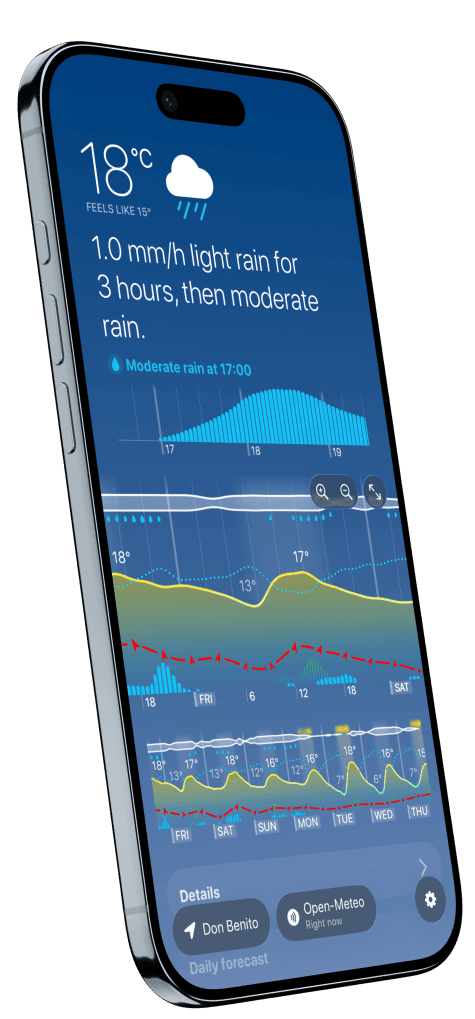
Read hourly forecasts inside the app in the horizontal graph, the Dark Sky-style vertical layout or Dual view. All options and themes are available for free, so you can make the chart suit the way you read the weather.
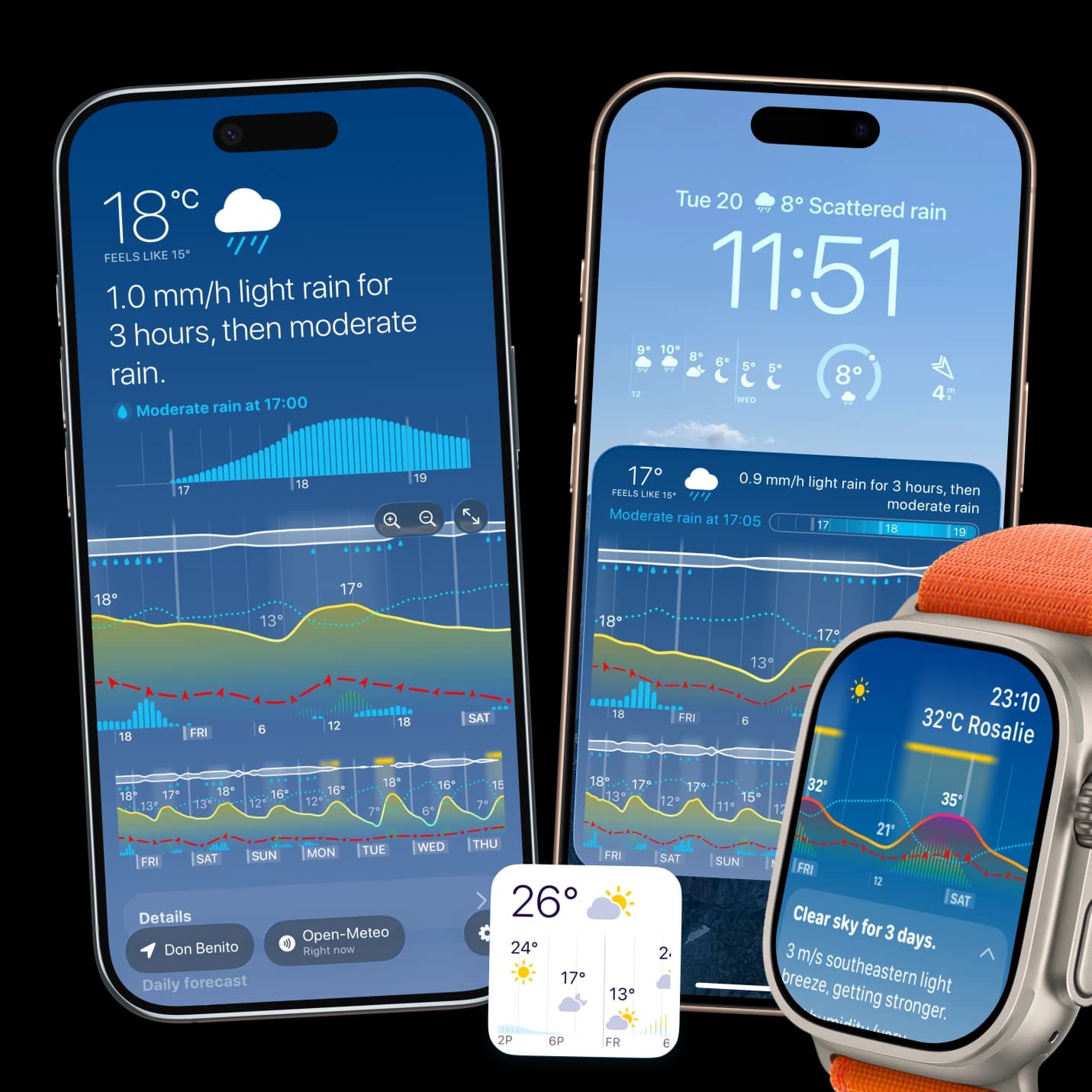
Free widgets show demo data. Pro replaces that preview with your forecast and unlocks all widgets and Apple Watch complications.
| What you want to do | Free app | Pro |
|---|---|---|
| Read hourly forecasts inside the app | Yes | Yes |
| Use all options and themes | Yes | Yes |
| See your forecast in widgets | Demo data | All widgets unlocked |
| Use Apple Watch complications | Pro feature | Included |
| Use nowcast and rain alerts | Pro feature | Included |
| Save multiple locations | Pro feature | Included |
| View radar data | Pro feature | Included |
| Compare multiple forecast models at once with Superforecast | Pro feature | Included |
A trial temporarily enables Pro features, so it is not the same as testing the free tier. Regional coverage and the available weather layers still depend on the selected source. Pro does not make every forecast certain or give every source the same data.
Subscription or Forever?
The Pro features are the same. The choice is how you pay and who is covered.
| Plan | Payment | Coverage |
|---|---|---|
| Yearly Pro | Renews each year unless cancelled | You, across your Apple devices |
| Pro Forever | One-time purchase, no subscription renewal | You, across your Apple devices |
| Yearly Pro for Families | Renews each year unless cancelled | You and up to five other members of your Apple Family Sharing group |
| Pro Forever for Families | One-time purchase, no subscription renewal | Your Apple Family Sharing group while the purchase is shared |
A subscription suits you if you prefer to pay a year at a time. Forever is the option if you prefer one purchase. A family plan makes sense when more than one person in your Family Sharing group wants Pro. You do not need a family plan just to use your own iPhone, iPad, Apple Watch and Mac.
Open the gear menu, then Weathergraph Pro, to see the plans offered to you. Current prices, currency, tax treatment and available offers are shown in the app and on Apple's purchase confirmation screen. Check Apple's confirmation screen for the price and terms before you choose.
How does the trial work?
If an eligible subscription offers a free trial, Apple shows its duration, the price afterwards and the renewal terms before you confirm. Trial eligibility depends on your Apple Account and previous subscription history. A trial is not guaranteed with every plan, and a one-time Forever purchase is not a trial subscription.
A subscription trial normally continues into paid access unless you cancel. Check the confirmation screen and manage it in Settings → your name → Subscriptions. Apple's cancellation instructions explain how to stop renewal and when to cancel a free or discounted trial. You can still use the free app without starting a subscription.
How do family plans work?
Each family member uses their own Apple Account. Share the subscription through Apple's subscription settings, or enable Purchase Sharing for a family Forever purchase. Apple's Family Sharing instructions explain purchase sharing. Access follows the family group and sharing settings; a family subscription must also remain active.
Already paid, or moving between plans?
Use Restore Purchases in Weathergraph Pro on your other devices, signed into the Apple Account that owns the purchase. Family members use their own accounts with sharing enabled. If access is still missing, email me so I can help.
Buying Forever does not automatically cancel an existing subscription. Cancel its renewal separately in Apple's subscription settings to avoid paying for both. A valid Forever purchase keeps its access when an overlapping subscription is cancelled.
Apple handles App Store refunds and decides eligibility. Its refund instructions show how to make a request. I can help with an app problem, but I cannot approve Apple's refund decision.
Sources and what was checked
This guide reflects the free app, Pro features and public plans as of 20 October 2026. Your app and Apple's confirmation screen show the offers available to your account.
- Apple: cancel a subscription.
- Apple: share purchases with your family.
- Apple: request a refund.
- Weathergraph FAQ for restoration, family sharing and troubleshooting.
Weathergraph
Start with the forecast
Download Weathergraph, try the layouts, and see whether the graph fits the way you check the weather. You can open Pro in the app whenever you want more.
