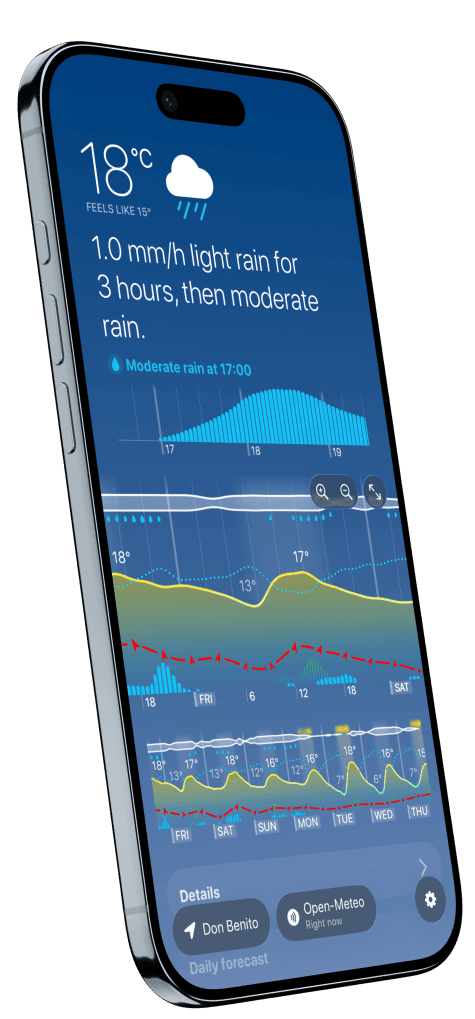
How to read an hour-by-hour weather graph
Read a weather graph from left to right, combine only the layers that affect your decision, and find the hours when conditions work for you.
Read the guideWeathergraph guides
Weather is easier to use when every number answers a question. These guides explain the graph, the source, and the uncertainty—then help you turn them into a plan.
Which view answers which question, and how to match it to the place and time your plan actually happens.
Read a weather graph from left to right, combine only the layers that affect your decision, and find the hours when conditions work for you.
Read the guideRadar shows recent precipitation, nowcasting projects the immediate future, and an hourly model forecast looks farther ahead. Use each for the question it can answer.
Read the guideMatch an hourly forecast to the place, local time and duration that matter—whether you are walking home from a station, visiting the mountains or checking somewhere far away.
Read the guideFeels-like, dew point and gusts: what each one measures, and what it lets you predict.
Feels-like is a measure of you, not the air. Your body sheds heat constantly; wind carries that heat away faster, and humidity stops sweat evaporating. That is why the same reading can feel completely different on two days.
Read the guideDew point gives a steadier read of moisture in the air than relative humidity. Learn how to use it to plan a hot day, without mistaking it for a heat-safety rating.
Read the guideFog is a cloud that forms where it stands. On a clear, still night the ground radiates heat to space, the air just above it cools to its dew point, and the moisture it was holding condenses in place.
Read the guideSustained wind describes the average; gusts describe brief stronger bursts. Compare both across the hours of a tennis booking, picnic or other outdoor plan.
Read the guideWhere the uncertainty comes from, and what to make of two apps that disagree.
Weather apps can disagree because they begin with different observations, models, update cycles, and processing. Compare sources against the weather decisions that matter where you live.
Read the guideTiny errors in today's measurements grow fast in a swirling atmosphere. Forecasters run the same forecast many times from slightly different starting points—the runs agree for a day or two, then fan apart.
Read the guideFind the hours that work for a run, a ride, a summit, a session or a shot.
The best running hour is rarely the warmest one. Read temperature, dew point, rain timing and UV as one timeline, and the comfortable window usually picks itself.
Read the guideWind direction decides where a ride hurts, and rain timing decides whether it happens. Read both on one timeline and plan the loop so the tailwind lands on the tired half.
Read the guideA mountain day is decided by cloud base, wind on the ridge and when the weather turns—not by the valley temperature. Read the whole day as a timeline before you commit.
Read the guideThe freezing level decides whether new snow is powder or rain, wind decides whether the lifts run, and cloud decides whether you can see. Read all three as one timeline.
Read the guideRead average wind, gusts and direction together before planning a session. The forecast helps you assess the window; local conditions, training and equipment still decide what works.
Read the guideGood light is a cloud forecast, not a sunset time. Learn which cloud conditions make a sunset and how to find the clear break in the hours before it.
Read the guideA cloudy evening can change. Follow the cloud forecast through the hours you can observe, then consider darkness, the Moon and nearby lights.
Read the guideTranslate a compass direction into the side of your camper the wind meets, then read speed, gusts and changes across the hours you will be there.
Read the guideVentilation, humidity and the decisions you make from indoors.
Compare indoor and outdoor dew point to understand whether ventilation can remove moisture, then check temperature separately if you also want to cool the room.
Read the guideFresh summer air can leave a cold cellar wetter. Learn the two comparisons that separate moisture removal from condensation on walls and floors.
Read the guideKeep a weather forecast and your symptom record separate, include headache-free days, and use the notes to discuss possible patterns with your clinician.
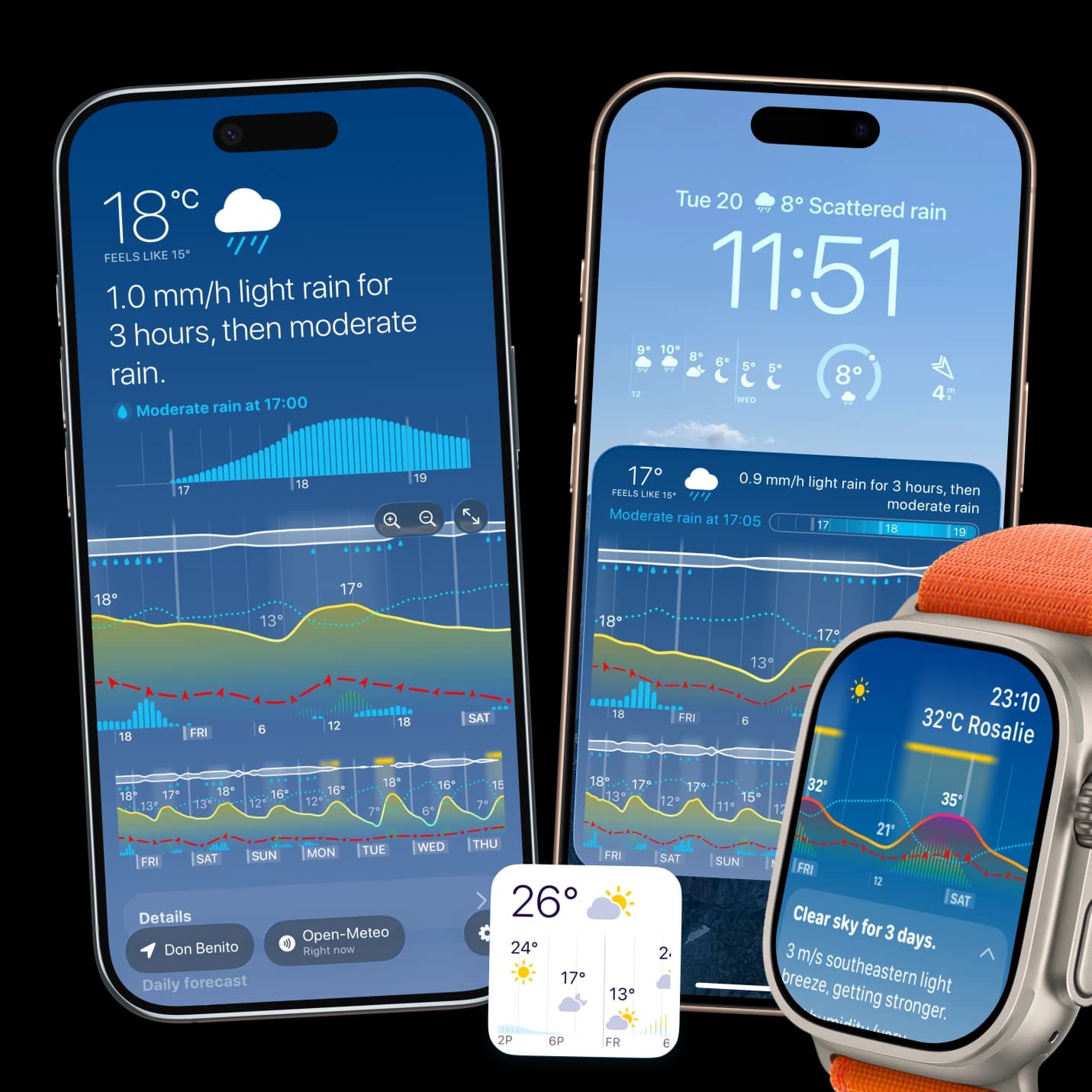
Read the guideThe layouts and complications that put the forecast where you already look.
See hours and days as one visual timeline, keep the forecast close on iPhone and Apple Watch, and choose the detail and sources that matter to you.
Read the guideDark Sky's vertical hour-by-hour timeline is the part people still miss. Weathergraph has the same shape in its vertical layout—here is how to switch it on, what matches, and what genuinely does not.
Read the guideChoose an Apple Watch weather complication around the decision you make most often, understand how updates work, and know when stale data needs attention.
Read the guideStart with the free app, then choose Pro if you want widgets, watch complications, nowcast and more. Here is how the plans, trials and family options work.
Read the guideWeathergraph
Weathergraph puts temperature, rain, wind, sunshine, clouds, dew point, and more on one hourly timeline—so you can use what you learned here when it is time to make a plan.